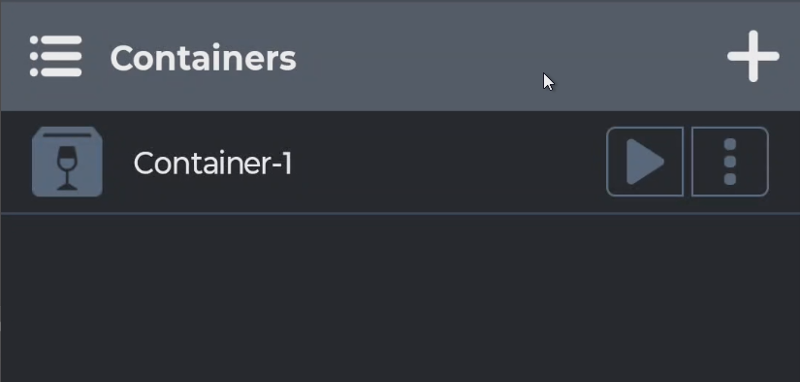
Once you have Winlator installed, you should immediately configure Box64 presets to Performance.
To do that:
- Tap the left Hamburger menu
- Choose “Settings”
- Toggle “Box64 Preset” from “Intermediate” to “Performance”
You can now tap the Create button on right top corner to create a container. Before you confirm creation, you’ll need to change the Graphics Driver here. The choice depends on your processor.
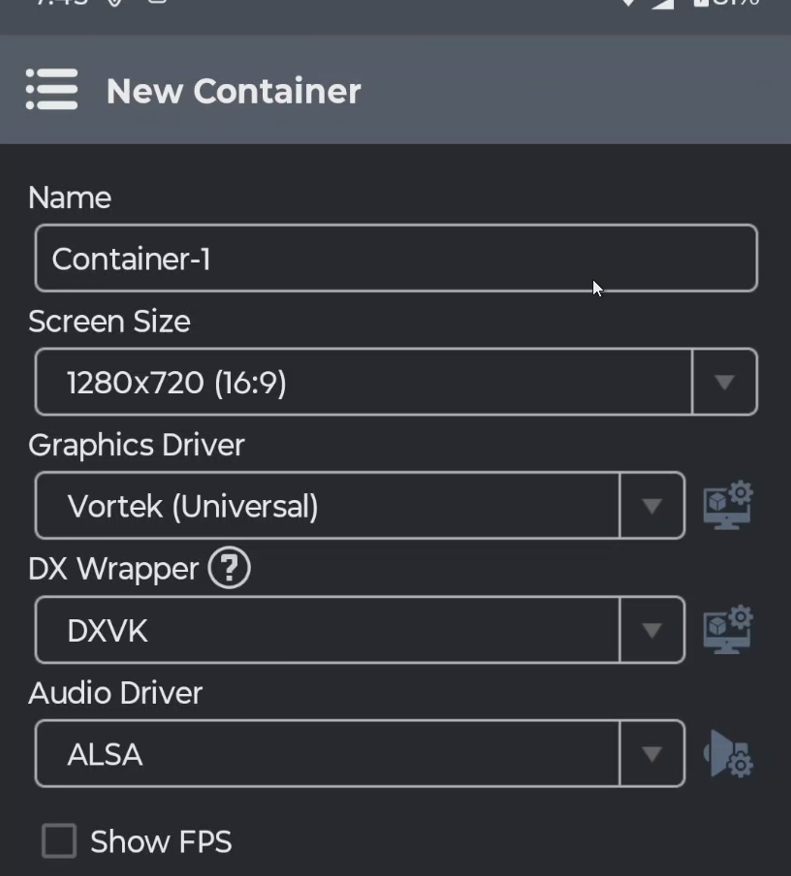
- If you’re using Qualcomm processor that qualifies, choose Turnip.
- If you’re not using Qualcomm processor, try Vortek first, and toggle it to VirGL if it doesn’t work.
Now you can tap the “Confirm” button on right bottom corner to create a container, then you can tap the “Play” button to run the container.