Running Trill on Android device requires you to use Winlator, which is unavailable on Google Play Store.
Instead, you’ll have to sideload APK yourself.
You can download latest version of Winlator from here, and install on your Android device.
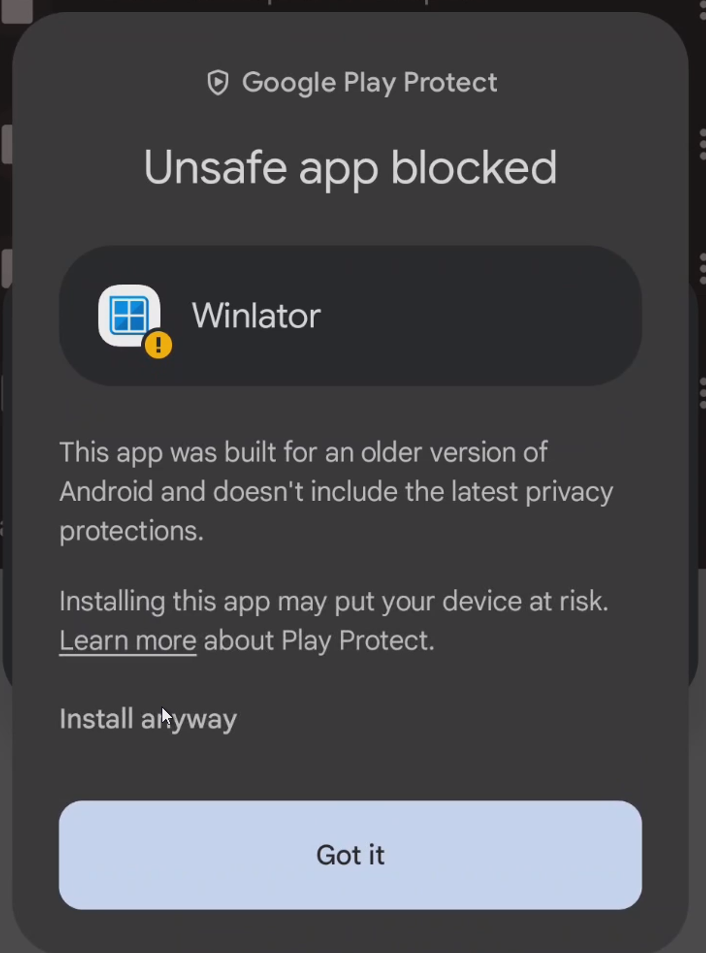
If you didn’t disable Google Play Protect, please choose “Install anyway” here, and input your lockscreen password when prompted.
Once you have Winlator installed, you can now download Trill for Windows installer and community patches package to your Android device from here:
If you do have a PC and generated roms.7z archive previously, then you should copy previously generated archive to your Android device’s Download directory ( /storage/emulated/0/Download/ ). You need to ensure both archive files are placed at same location as Trill installer.
If you don’t have a PC – don’t worry, we’ll guide you about how to download Mega Man Battle Network Legacy Collection directly to your device from Steam.